AI ICON 2027 · Workshop materials
Build Your First AI Second Brain
Everything you need for today's session. Start with the setup guide, download the two practice folders, and keep the slides open to follow along and copy prompts.
What you need
What's included
Download the files to your Desktop.
Start here
Practice folders
Apps
Obsidian Web Clipper
Browser extension for saving web pages as notes.
We'll install it together during the exercise.
For after the workshop
MCP Connector Guide
Connect Obsidian to Claude Desktop, read-only.
Demonstrated in the workshop; install it afterward if you like.
Quick start
- Install Claude Desktop and sign in with your paid Claude account.
- Download both zip files to your Desktop. Right-click each one and choose Extract All (on a Mac, double-click).
- Install Obsidian.
- Pick one recurring work task for your starter brain.
We'll open the folders in Obsidian and Claude together at the start of the build. The Setup Guide has every step if you want to get ahead.
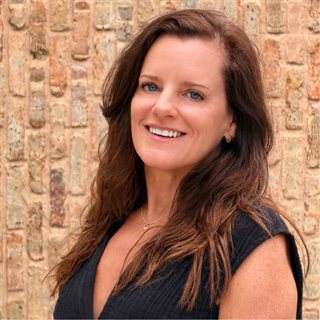
Christina Friloux
Co-founder & Owner, Outset Method
20+ years in technology marketing, from angel-backed startups to global enterprises. Certified AI Consultant, Innovating with AI.